In this story
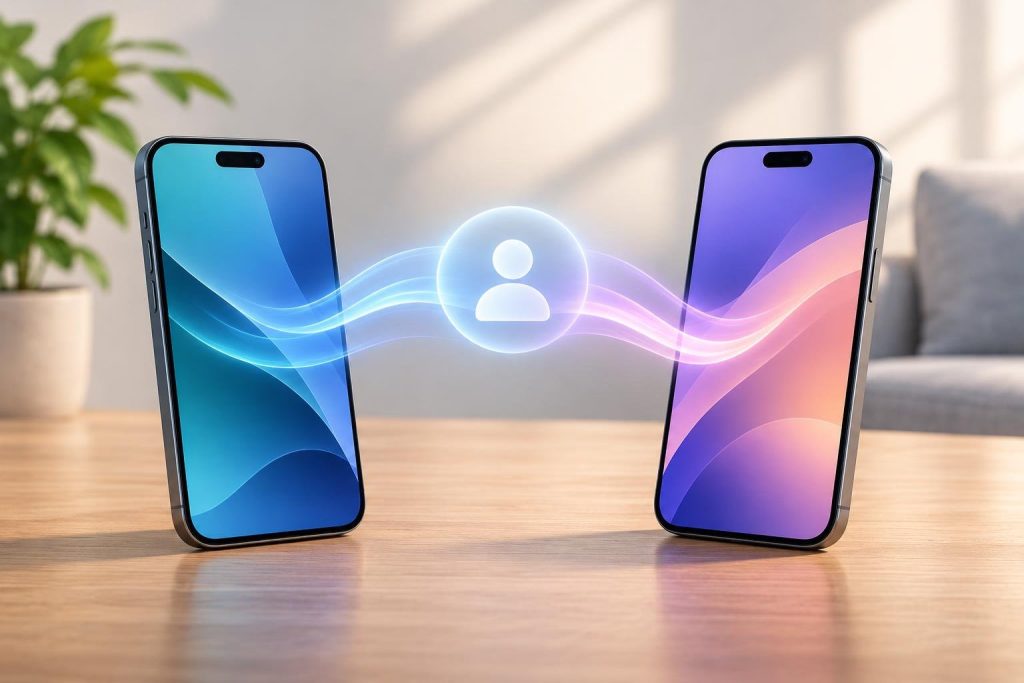
Apple’s iOS 27 includes a feature called iPhone Handoff that lets you use one phone number on two iPhones. You pick a main iPhone and a secondary one, and the number follows whichever device you unlock. It is a niche addition among the iOS 27 new features, but it solves a real annoyance for people who carry more than one phone. 9to5Mac covered the change on November 20, 2026, quoting Apple’s own description.
How iPhone Handoff works on two iPhones
Once you set up iPhone Handoff, one device becomes the main iPhone and the other becomes the secondary iPhone that shares the number. Apple’s guidance, as relayed by 9to5Mac, is to make the main iPhone the one you use most often.
Switching takes no menus. You unlock the iPhone you want to use, and the number becomes active on it automatically. A banner reading “Switched to this iPhone” appears at the top of the screen to confirm the move.
The key limit is that the number is live on only one iPhone at a time. This is a handoff, not a mirror. You cannot have both phones ringing for the same line at once, according to the source.
What the main iPhone controls
The two roles are not equal. Apple says some carrier services can only be managed on the main iPhone. The examples it gives are Call Forwarding, Caller ID and carrier account management.
In practice, that means you should decide the roles before you set anything up. If you change call forwarding often, or you manage your plan from your phone, the main iPhone is the one you will need in hand. Apple also tells users to contact their carrier for more details, which suggests that behavior may vary by provider.
Who this feature is for
9to5Mac is frank that most people will never need this. If you own one iPhone, nothing changes for you. The feature targets people who already juggle two devices and want a simpler way to move a number between them.
One commenter on the 9to5Mac article described the kind of setup it fits. They run a personal line on one phone and a work line on another. They would like to carry a single phone on a night out while still having both numbers reachable. They also want to keep work system access on a separate device. That is one reader’s wish, not a confirmed use case from Apple, but it shows why the feature appeals to dual-phone owners.
Other plausible situations include keeping a backup phone ready or alternating between two devices with different strengths. These are our own examples, not scenarios Apple has described.
Carrier support is limited for now
The biggest practical catch is carrier availability. According to 9to5Mac, support is currently limited, and Apple plans to add more carriers soon. The article points to a list of supported carriers, but the research material does not reproduce it, so we cannot say which carriers are on it.
The same commenter said they were still waiting for Verizon to activate the feature. That comment is anecdotal. It does not confirm what Verizon will or will not support. Still, it fits the pattern: the software may be in iOS 27 before your carrier turns it on.
What is still unclear
The source leaves several practical questions unanswered. Before you plan around iPhone Handoff, treat these as open until Apple or your carrier says otherwise:
- Setup steps: the article does not walk through where in Settings you enable the feature or how you pair the second iPhone.
- Device compatibility: it does not say which iPhone models can act as main or secondary.
- Messaging details: it does not explain how texts or iMessage behave when the number moves between devices.
- Cost: it does not say whether carriers will charge for a shared line.
- Timing of expansion: Apple says more carriers are coming, but gives no dates in this material.
What to do before you try it
If you have two iPhones and this sounds useful, a few steps will save frustration.
- Update both phones to iOS 27 once it is available to you, and check that you are comfortable with the rest of the release.
- Check your carrier’s support page or contact the carrier to confirm iPhone Handoff is available on your plan.
- Choose your main iPhone based on daily use and on where you manage call forwarding, Caller ID and your account.
- Test the switch before relying on it. Unlock the secondary phone, look for the confirmation banner, and make a test call and text.
Keep in mind that the number is active on one device at a time. If you need two separate lines reachable simultaneously, a dual-SIM or eSIM arrangement with two numbers is a different solution. iPhone Handoff is for one number moving between phones.
The bottom line on iOS 27 and shared numbers
iPhone Handoff is a small but sensible change. It makes owning two iPhones less awkward by letting one number follow you without swapping SIMs or setting up forwarding by hand. Its usefulness will depend almost entirely on carrier support, and that is still limited. Watch for your carrier to enable it, and read Apple’s and your carrier’s details on the main and secondary roles before you commit.
Frequently asked questions
Can I use the same phone number on two iPhones in iOS 27?
Yes. iOS 27 adds iPhone Handoff, which lets two iPhones share one number. The number is active on only one of them at a time, and it moves to whichever iPhone you unlock.
Will both iPhones ring at the same time?
No. According to the 9to5Mac report, the number is active on only one iPhone at a time. Unlocking the other device moves it there.
What is the difference between the main and secondary iPhone?
The main iPhone should be the one you use most. Some carrier services, including Call Forwarding, Caller ID and carrier account management, can only be managed on the main iPhone.
Does my carrier support iPhone Handoff?
Support is limited for now, and Apple plans to add more carriers soon. Check your carrier directly, since the source does not list which ones are supported.
How do I know the number has switched?
After you unlock the iPhone you want to use, a message saying Switched to this iPhone appears at the top of the screen.